
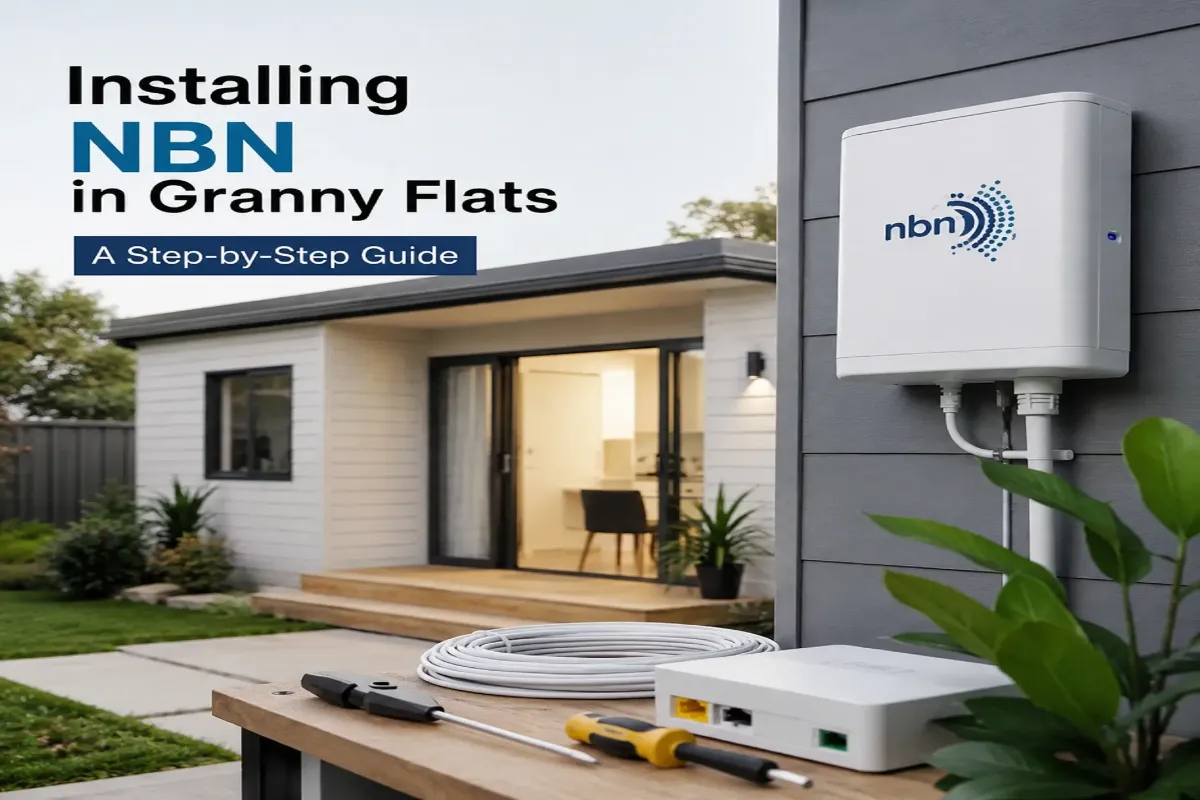
Installing NBN in Granny Flats: A Step-by-Step Guide
Granny flats are one of the most popular additions to Aussie properties, used for ageing parents, adult kids, home offices, or rental income. They’re a smart way to add living space and value to a block without the cost and hassle of moving house. But once the build is done and the last coat of paint has dried, one question always comes up: how do you actually get the NBN connected to a secondary dwelling?
Unlike a standalone house, a granny flat sits on the same property as the main residence, so the connection process works a little differently to what most homeowners expect. It’s not always as simple as calling up an internet provider and booking a technician. Get it wrong, and you could end up with a flat that’s got power, plumbing, and fresh paint, but no working internet, which can be a real headache if you’re expecting a tenant to move in or family to settle in soon.
This guide walks through how NBN installation works for granny flats, the common issues homeowners run into along the way, and how to get it sorted properly the first time, so you’re not left scrambling to fix connectivity problems after the fact.
Why Granny Flat NBN Connections Are Different
A granny flat is classed as a secondary dwelling on the same lot as the main home, which raises a few questions that don’t apply to a standard house:
- Does it need its own separate NBN connection, or can it share the main house’s?
- Is there existing infrastructure (like a pit or conduit) already run to that part of the property?
- How will cabling get from the connection point to the granny flat itself?
Sorting these out early avoids delays once the flat is ready to move into.
Step 1: Confirm Your NBN Connection Type
Before any cabling begins, check what NBN technology services your address, as this determines how the connection reaches your property:
- Fibre to the Premises (FTTP): Fibre runs directly to a box outside the home.
- Fibre to the Curb/Node (FTTC/FTTN): Copper line runs from a street cabinet.
- Hybrid Fibre Coaxial (HFC): Connects via existing pay TV/cable coaxial line.
- Fixed Wireless or Satellite: Common in regional or rural builds.
You can check this on the NBN Co website, but a technician can also confirm it on-site, handy if the flat sits at the back of a large block.
Step 2: Decide Between a Shared or Separate Connection
This is one of the biggest decisions you’ll need to make, and it comes down to how the space will be used.
Extend the main house connection if the flat is for family, guests, or a home office. This is usually the simplest and most cost-effective route, running structured cabling from the existing connection box out to the granny flat.
Install a separate NBN service if the flat will be rented out independently. This gives the occupant their own account, router, and billing, without relying on the main house’s plan.
Think about who’ll be living there and whether separate billing matters before deciding, as switching setups later can mean extra cabling work down the track.
Step 3: Plan the Cabling Run
Once you know whether you’re extending or installing new, work out how the cable physically gets there:
- Underground conduit – neatest, most durable option, ideal for a separate structure across the yard.
- Aerial or eave-line runs faster and cheaper where the flat is close to the main house.
- In-wall cabling during construction – run conduit before the walls close up, so plan this during the build, not after.
If you’re still in the design phase, this is the ideal time to loop in a data cabling specialist for future-proofed connectivity rather than retrofitting later.
Step 4: Book the NBN Technician Appointment
Once the physical path is planned, you’ll need an NBN Co technician to activate the connection (for new services or where infrastructure isn’t already active). Keep in mind:
- Appointment windows can be several weeks out in high-demand areas.
- The technician typically installs equipment only up to the connection box.
- Internal cabling from that box to the granny flat is usually outside their scope.
This is where many homeowners get caught out – the NBN shows as “active,” but there’s still no usable point inside the flat.
Step 5: Install Internal Cabling and Data Points
With the connection live, the final step is a working, tested data point inside the flat:
- Run Cat6 (or better) cabling from the connection point to the granny flat
- Install a data point or wall socket inside
- Set up a router or Wi-Fi access point for reliable coverage
- Test speeds and signal strength before calling the job done
For flats further from the router, a dedicated Wi-Fi access point usually beats relying on the main house’s signal to reach through walls and across the yard.
Common Granny Flat NBN Problems
- No existing infrastructure: Older properties may need new trenching or aerial cabling run to that part of the block.
- Weak Wi-Fi signal: Distance and building materials weaken Wi-Fi – a hardwired data point with its own access point fixes this.
- Assuming the NBN technician covers everything: Their job usually stops at the connection box, not internal cabling.
- Leaving cabling until after the build: Retrofitting through finished walls or paving is far more disruptive and costly.
- Choosing the wrong setup: Not weighing up shared vs separate NBN services can cause billing headaches for rental flats later on.
Best Practices for a Smooth Setup
- Plan cabling during the design or build phase, not after move-in
- Decide early whether the flat needs its own NBN account
- Use underground conduit for a clean, weatherproof solution
- Install a dedicated data point and access point rather than relying on Wi-Fi alone
- Test the connection thoroughly before the flat is occupied
- Engage a qualified internet connection technician so nothing falls through the gaps between the NBN technician and your builder
Conclusion
Getting NBN into a granny flat isn’t complicated, but it does need a bit more planning than a standard home connection. From deciding between a shared or separate service, to planning the cabling run, booking the right appointments, and installing a proper data point, each step matters if you want the flat to have fast, reliable internet from the moment it’s ready to use.
Skipping any of these steps, or leaving connectivity as an afterthought until the flat is finished, is often what leads to those frustrating situations where the NBN is technically active but there’s still no working internet inside the flat itself. A bit of planning early on, particularly around cabling, saves a lot of hassle and expense later.
Whether you’re setting up a granny flat for family, a home office, or a rental, sorting out the internet properly from the start means one less thing to worry about once the keys are handed over and someone’s ready to move in.
If you’d like a hand planning or installing NBN cabling for a granny flat in Sydney, the team at Data Cabling Guy can manage the whole process for you, from the initial cabling run through to data point installation and final testing, so your granny flat is genuinely ready to use, not just technically connected.